X Bookmark Exporter for Chrome
Export your X (Twitter) bookmarks and save any post, thread or Article as Markdown, PDF or EPUB in one click, right on X. Free.
Tip: change x.com to xtracticle.com in any post link to open it here.
Export your X (Twitter) bookmarks and save any post, thread or Article as Markdown, PDF or EPUB in one click, right on X. Free.
Tip: change x.com to xtracticle.com in any post link to open it here.
Xtracticle for Chrome adds a Save menu to every post on x.com and an export panel to your Bookmarks. It is the same converter as this website without the copy and paste: save a post where you read it, export your bookmarks in one go, and keep copies that stay readable if a post is deleted later.
For Chrome, Edge, Brave and Opera on a computer.
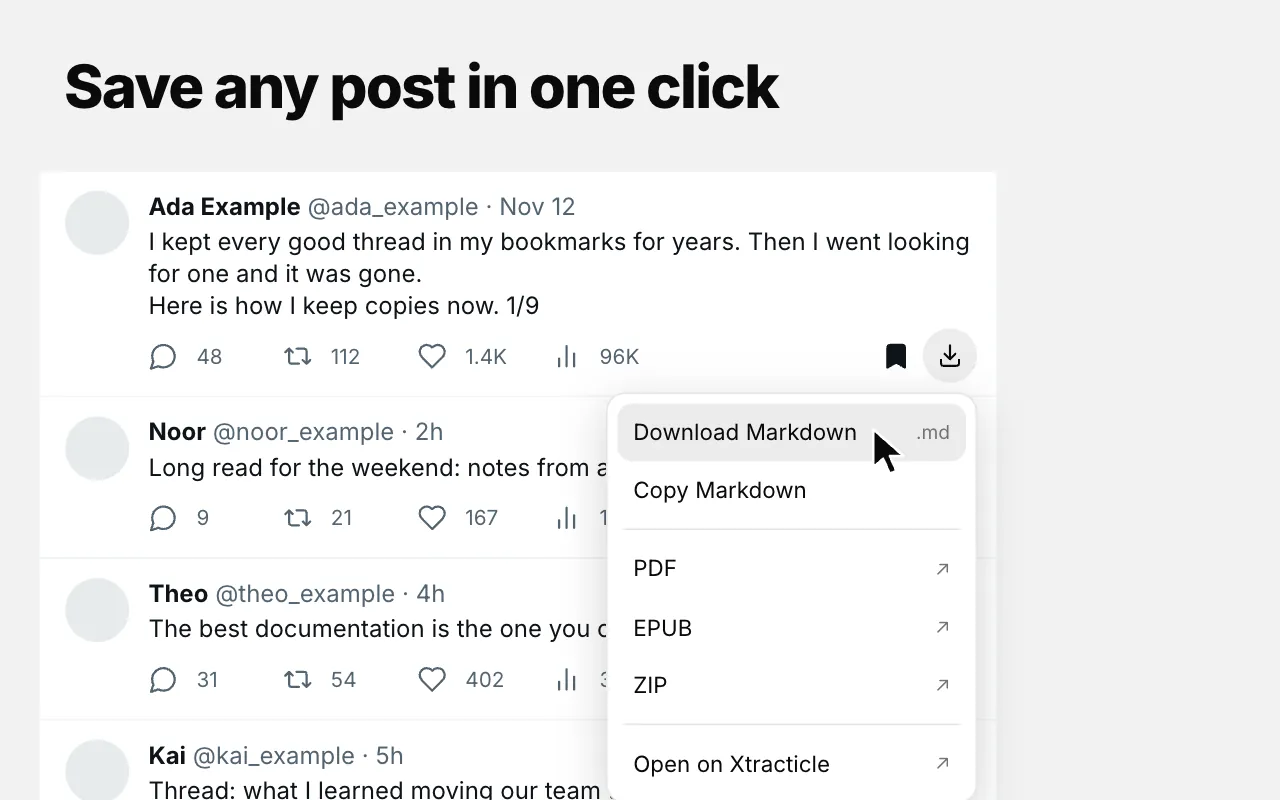
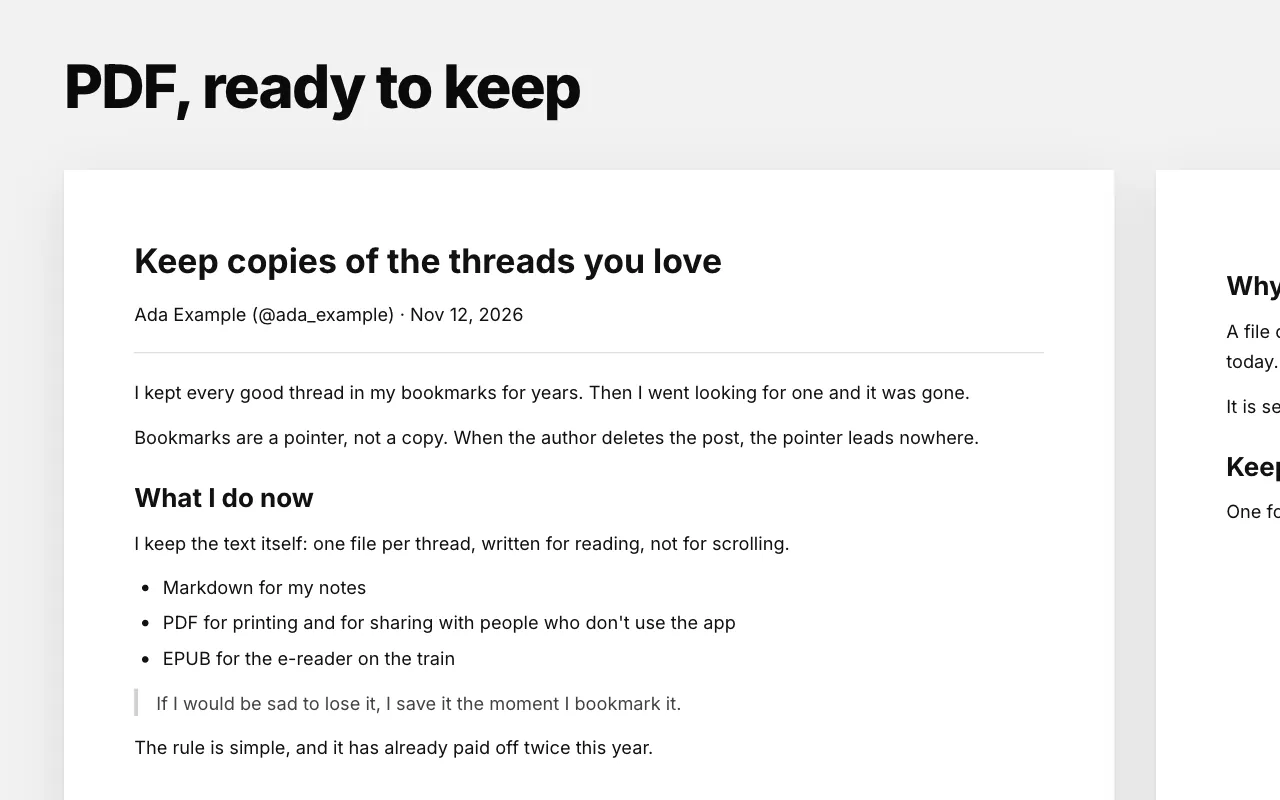
A Save menu on every post. Markdown downloads or copies on the spot; PDF, EPUB and ZIP open on xtracticle.com and download by themselves.
Scan your Bookmarks page and export it as one ZIP of Markdown files. Your last 100 bookmarks are free; Pro exports all of them.
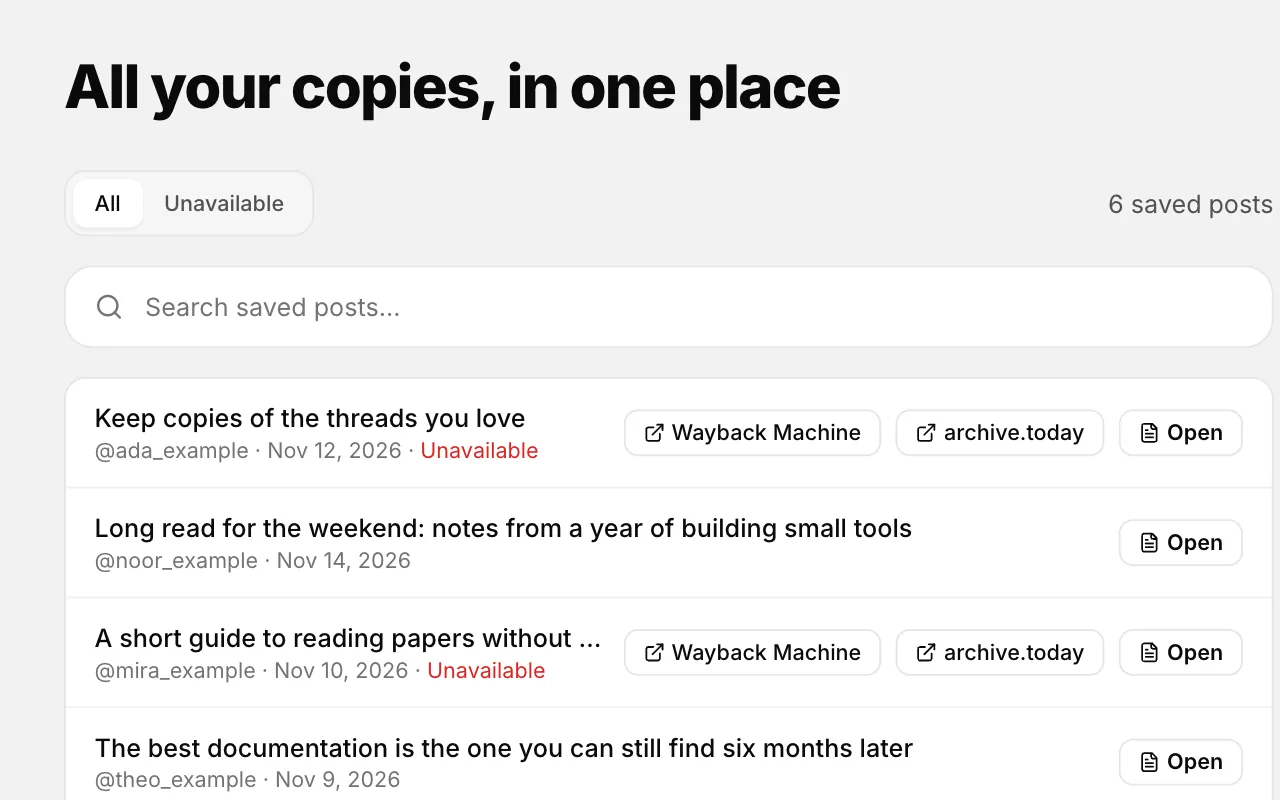
Bookmarks you scan are saved in this browser, and the Saved posts page shows them whenever you want.
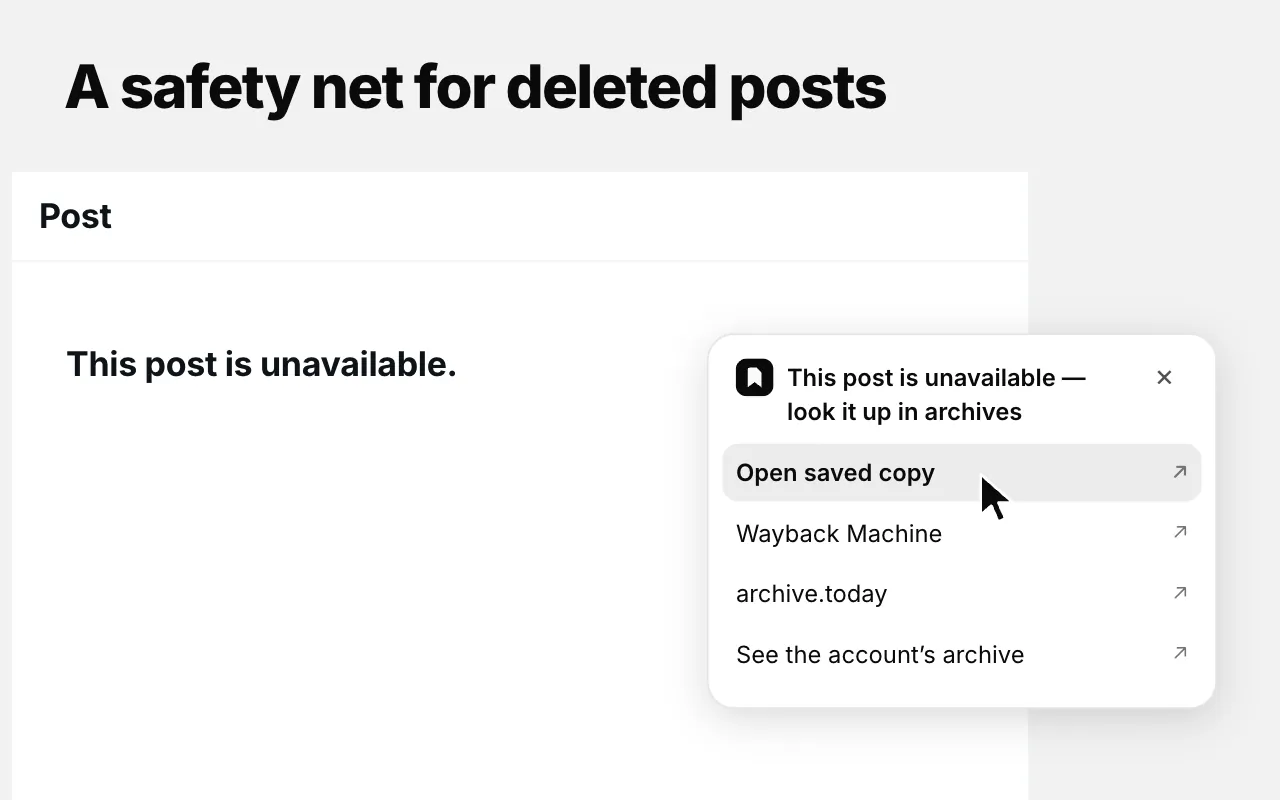
When a saved post is deleted or made private, X shows an empty page. The extension adds “Open saved copy” there, with links to web archives.
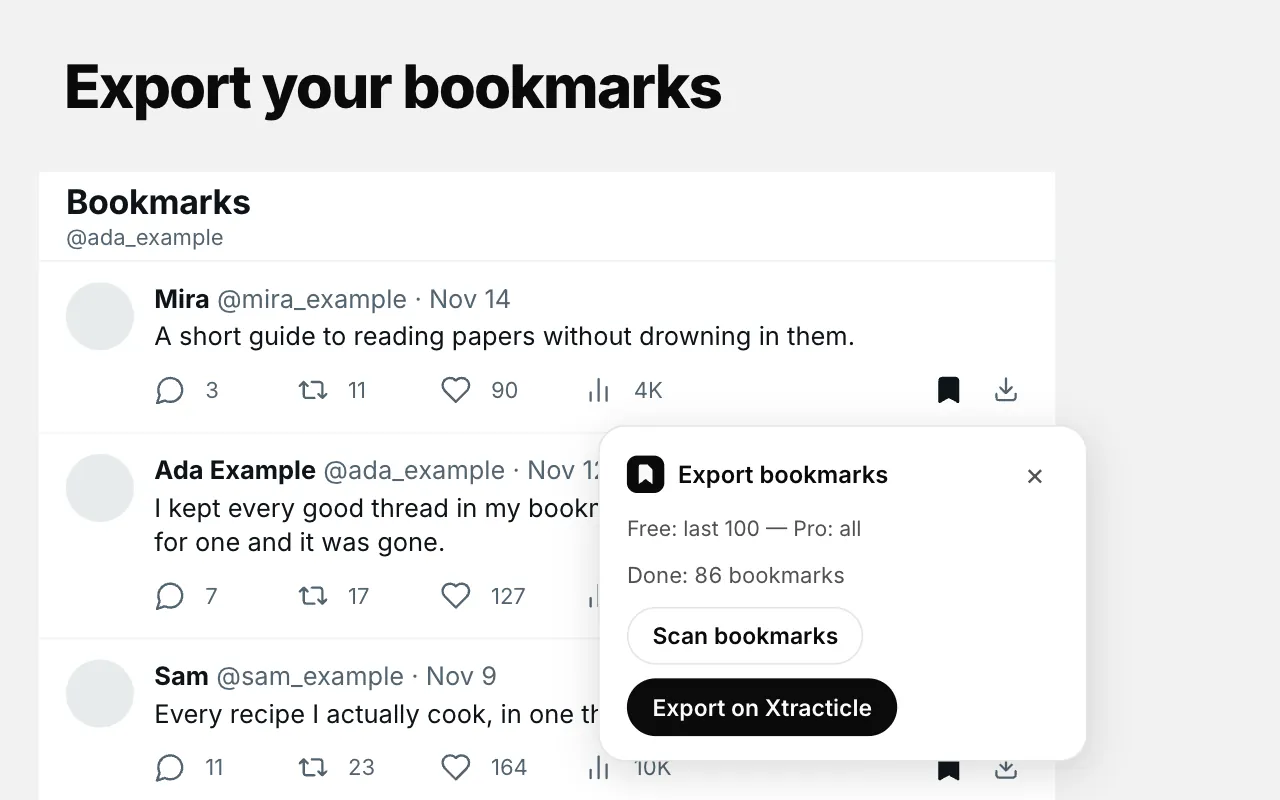
Each file keeps the post’s text, author, date and source link. Free exports cover your last 100 bookmarks; Pro exports all of them.
Click the download icon on any post, thread or X Article. Markdown downloads or copies right there. PDF, EPUB and ZIP open the post on xtracticle.com in a new tab and download in the format you picked, with the same layout as the website.
X shows “this page doesn’t exist” for posts that were deleted, made private or belong to a suspended account. If you have a copy, the extension adds Open saved copy to that page, next to links to the Wayback Machine and archive.today.
All your copies are on the Saved posts page, with an Unavailable filter for the ones X no longer shows. Nothing alerts you on its own: you see it when you open the post or the list.
| Free | Pro | |
|---|---|---|
| Save posts, threads and Articles (Markdown, PDF, EPUB, ZIP) | ✅ | ✅ |
| Bookmark export | Last 100 | All bookmarks |
| Saved copies of unavailable posts | 3 newest | All |
Pro is the same license as on the website: activate it once and it works in both. See what Pro includes.
Free, no account. Works in Chrome, Edge, Brave and Opera on a computer.
Yes. Saving posts and exporting your last 100 bookmarks are free. Xtracticle Pro adds unlimited bookmark export and every saved copy of unavailable posts.
Install the extension, open your Bookmarks on x.com, click Scan bookmarks in the Xtracticle panel, then Export on Xtracticle. You download them as a ZIP of Markdown files.
Chrome, Microsoft Edge, Brave and Opera on a computer (Windows, macOS, Linux, ChromeOS). Chrome, Brave and Opera install it from the Chrome Web Store, Edge from Microsoft Edge Add-ons. It does not run in Firefox, Safari or on phones; there, use the website.
No. Xtracticle is an independent, open-source project and is not affiliated with X Corp. It works only with posts you can already see on X.
No. The extension works inside the x.com tab where you are already signed in and reads only what that page has loaded.
No, there is no automatic alert. When you open a saved post that X no longer shows, the extension offers your copy, and the Saved posts page lists unavailable posts.
Yes. Paste the post link at the top of this page and pick PDF. The extension only saves you the copy and paste.